WooCommerce Product Grid for Flexible Product Displays
Create beautiful WooCommerce product grids, lists, sliders, carousels, and tables with Hexa Grid. Build product displays that fit your store, content, and customer experience.
Built for WooCommerce stores that need more control over how products are displayed.

One plugin. Multiple ways to showcase your products.
Hexa Grid is a WooCommerce product display plugin that gives you multiple ways to present products across your store. Create responsive product grids, clean lists, product sliders, carousels, and structured tables without relying on separate plugins for each layout.
Product Grid
Display products in flexible grid layouts for shop pages, categories, landing pages, and custom product sections.
Product List
Present products in a clean list format when customers need more information while browsing.
Product Slider
Highlight selected products in a compact slider that works well for featured products and promotional sections.
Product Carousel
Show product collections in an interactive carousel while keeping more products accessible within a limited space.
Product Table
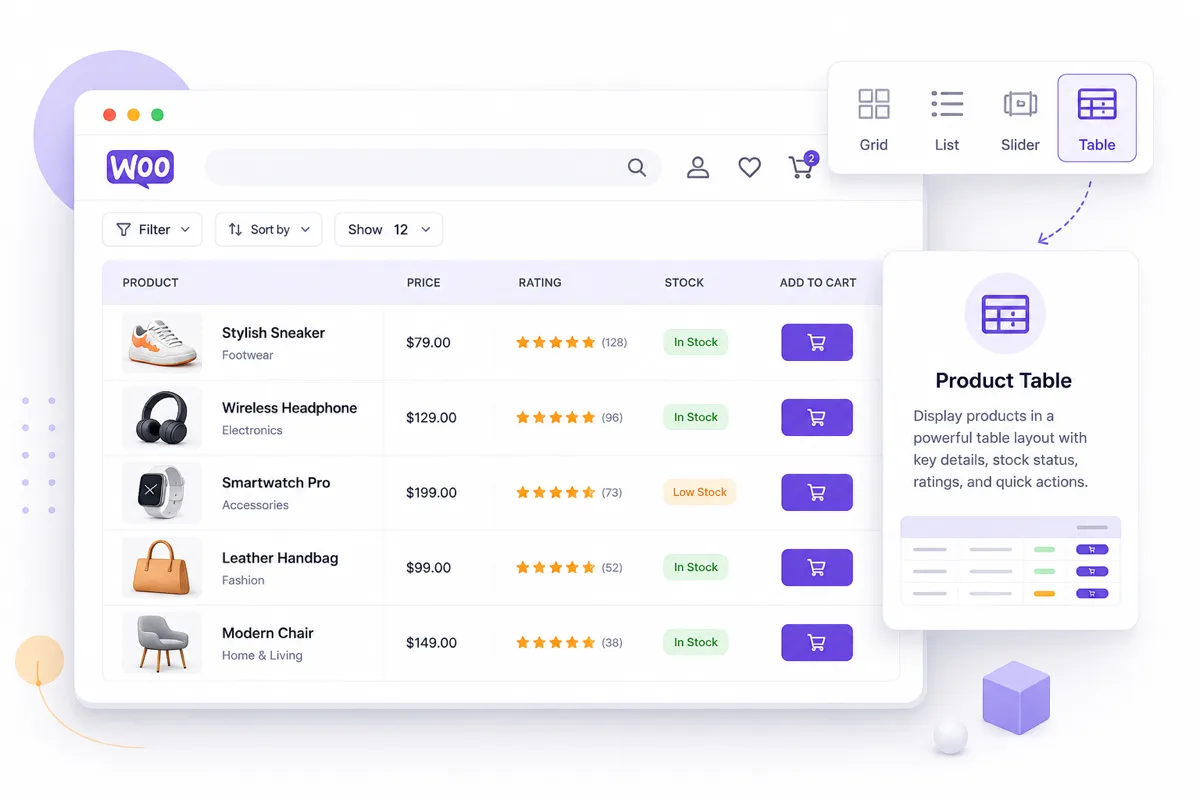
Present products in a structured table when customers need to compare product information quickly.
One shortcode based plugin
Add product displays to supported WordPress content areas without a page builder.
Create flexible WooCommerce product grids
Build product grids that fit the structure of your WooCommerce store. Choose how products are arranged and presented, then create focused product sections for your shop, categories, landing pages, and custom content.
Flexible layouts
Create product grids that work with different types of store content.
Product information
Control the product information displayed within your product layout.
Responsive display
Create product layouts that adapt across desktop, tablet, and mobile screens.
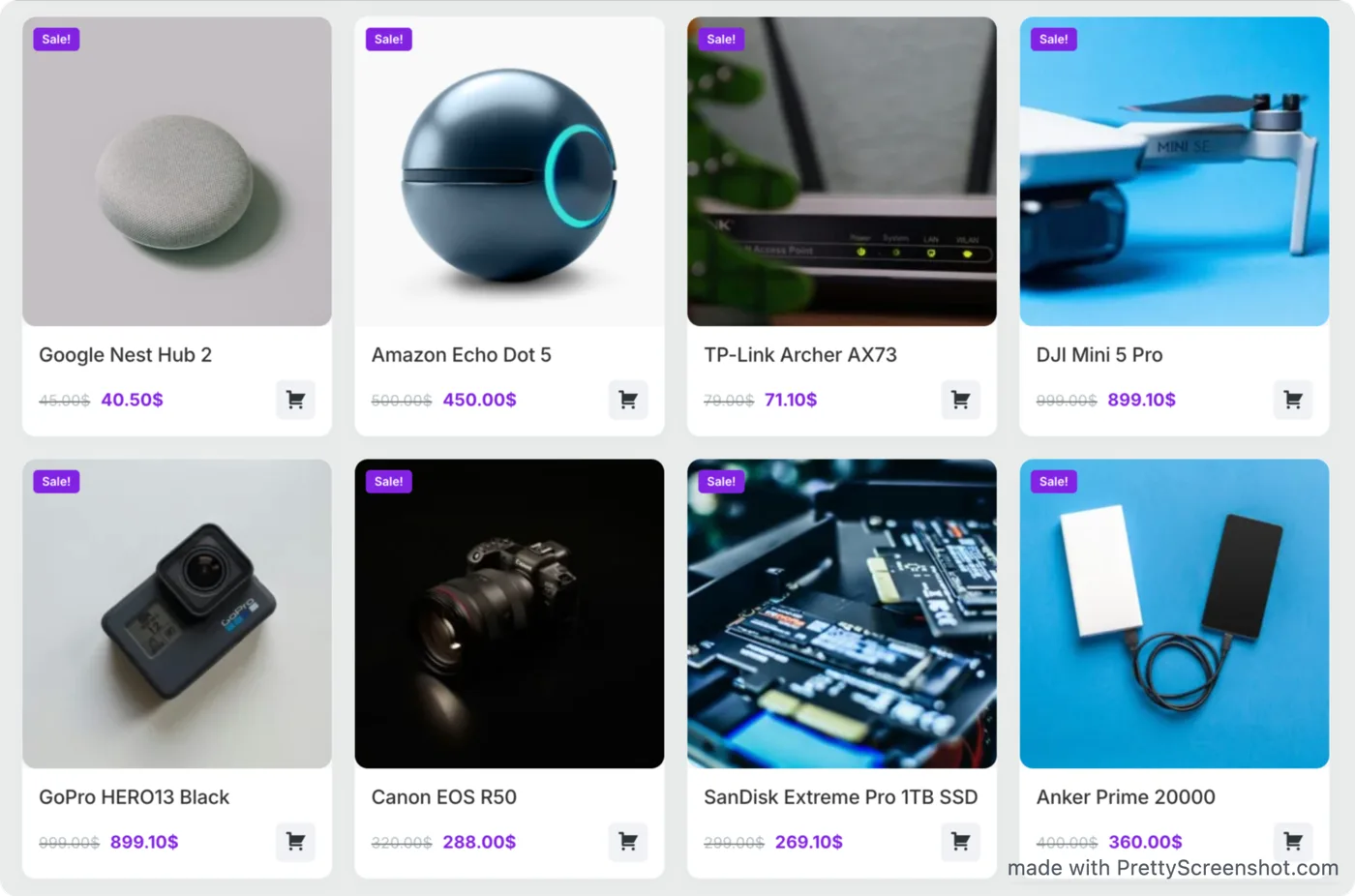
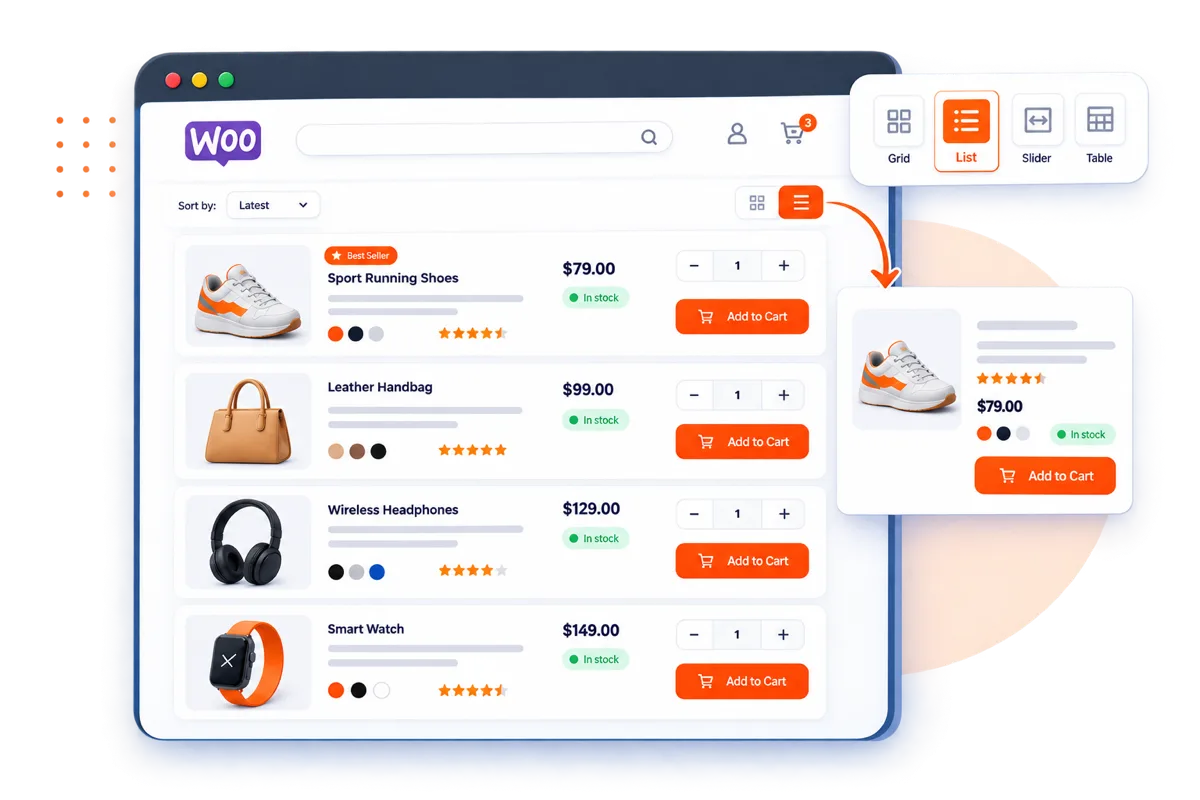
Display WooCommerce products in a clean list layout
A product grid is not always the best way to present products. Use a list layout when customers need more product information while browsing. Hexa Grid lets you create structured product lists that make product details easier to scan.
Highlight products with a WooCommerce product slider
Show featured products, new arrivals, best sellers, or selected products in a compact slider. Product sliders help you present more products without taking up unnecessary space on the page.
Featured products
Highlight products you want customers to notice.
Compact presentation
Show multiple products within a focused section.
Responsive layout
Keep the product slider usable across different screen sizes.
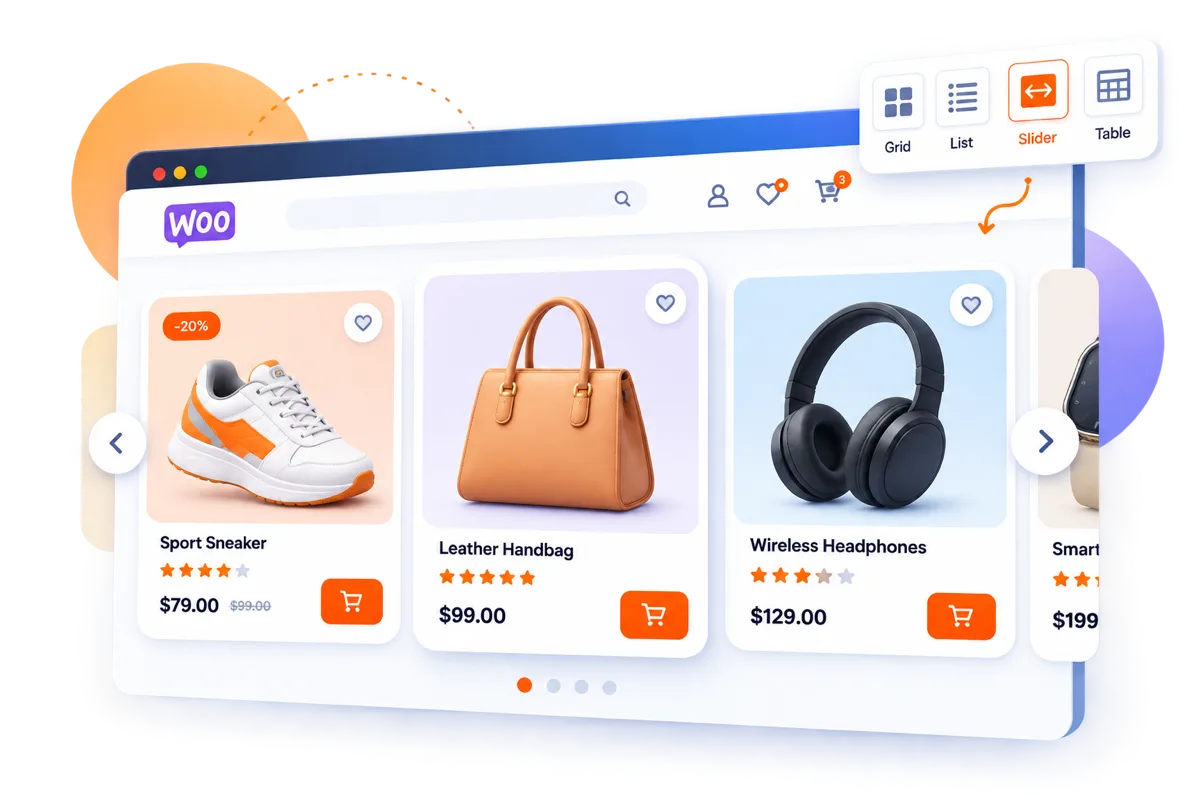
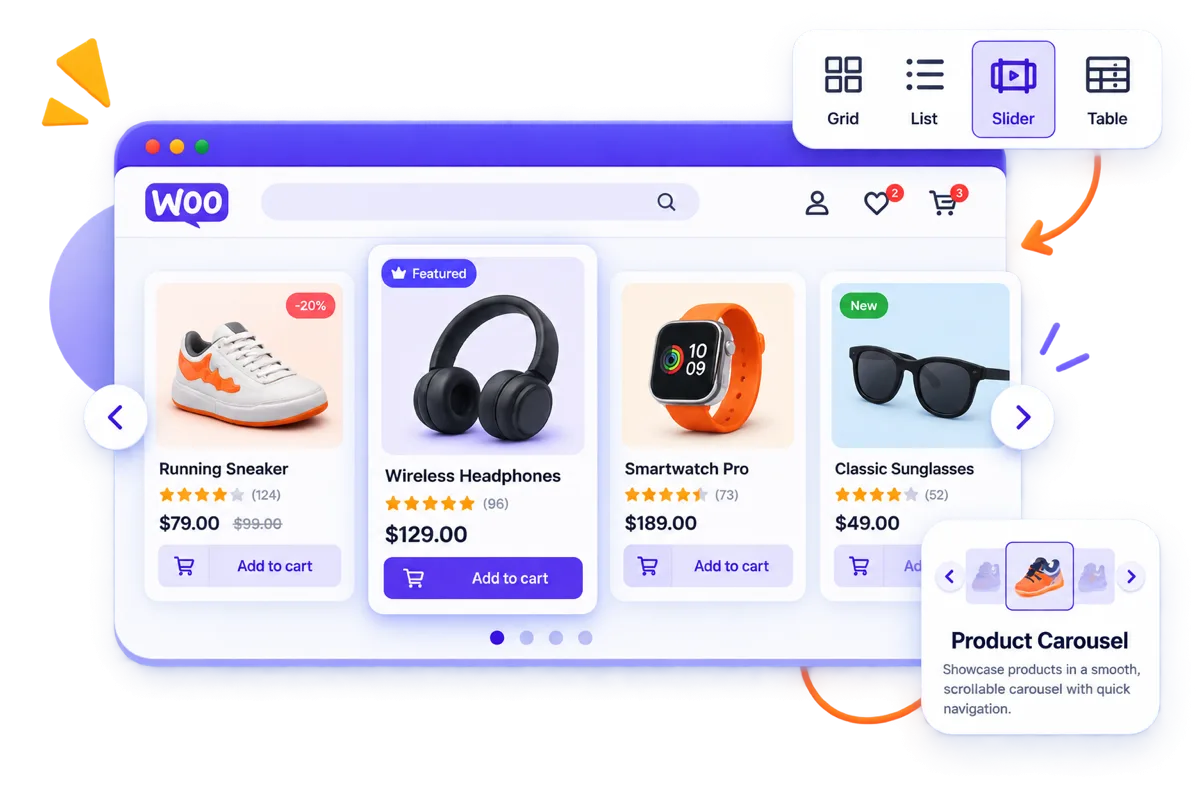
Browse WooCommerce product collections with a carousel
Create product carousels for collections, featured products, related products, or other product groups. Give shoppers an easy way to browse more products without creating a long page.
Present WooCommerce products in a structured table
Some products are easier to compare in rows and columns. Use the product table layout to present product information in a structured format that makes browsing and comparison easier.
Structured information
Organize important product details into a clear layout.
Easy comparison
Help customers compare multiple products more efficiently.
Product focused
Keep product information organized without unnecessary visual elements.
Responsive WooCommerce product layouts for every screen
Your product displays should work wherever customers shop. Hexa Grid is designed to create product layouts that adapt across desktop, tablet, and mobile screens while keeping products clear and easy to browse.
Desktop
Make better use of wider screens with flexible product layouts.
Tablet
Maintain a clean product browsing experience on medium sized screens.
Mobile
Keep products accessible and easy to explore on smaller screens.
Built for different WooCommerce storefront needs
Different parts of a store need different ways to present products. Use Hexa Grid to create product displays around the way your customers browse and shop.
Shop pages
Create product grids and lists for your main store pages.
Product categories
Show category products in layouts that make browsing easier.
Featured products
Highlight selected products in dedicated sections.
Product collections
Create focused displays for specific product groups.
Landing pages
Add product displays to promotional and campaign pages.
Custom sections
Build product displays for different areas of your WooCommerce website.
Choose the layout that fits your content
Not every product section needs the same layout. Choose a grid, list, slider, carousel, or table based on what you want customers to see and how you want them to browse.
Grid
Best for visual product browsing.
List
Best when product information needs more space.
Slider
Best for highlighting selected products.
Carousel
Best for browsing product collections.
Table
Best for structured product information and comparison.
Configure product displays without unnecessary complexity
Create product displays around your store requirements without adding unnecessary complexity to your workflow. Configure the layout and product presentation to fit the content you want to showcase.
Choose your layout
Select the product display format that fits your content.
Control product presentation
Decide which product information should appear in your display.
Build focused sections
Create product displays for specific products, collections, and store areas.
Why use Hexa Grid?
Hexa Grid gives WooCommerce store owners a focused way to control how products are presented across their websites.
Multiple product layouts
Create WooCommerce product grids, lists, sliders, carousels, and tables from one focused plugin.
Built for WooCommerce
Designed specifically for displaying WooCommerce products across different store layouts and content sections.
Flexible product presentation
Create product displays that fit different types of content, products, and storefront needs.
Responsive experience
Build product layouts that remain useful and accessible across desktop, tablet, and mobile devices.
Built for WooCommerce store owners and website builders
Hexa Grid is designed for people who need more control over WooCommerce product presentation without adding unnecessary complexity to their websites.
WooCommerce store owners
Create product displays that better fit your store and the way customers browse your products.
WordPress developers
Build flexible product sections for WooCommerce websites and client projects.
Website builders
Create product grids and other layouts for different pages and content requirements.
Ecommerce teams
Present products clearly across different sections of a WooCommerce store.
A flexible WooCommerce product display plugin for WordPress
Hexa Grid is a WooCommerce product grid and product display plugin for WordPress. It lets you display WooCommerce products in grids, lists, sliders, carousels, and tables, giving store owners more flexibility over product presentation.
Frequently asked questions
Common questions about Hexa Grid, what it does, and how it works with WordPress and WooCommerce.
What is a WooCommerce product grid?
A WooCommerce product grid displays products in an organized grid layout, usually showing product images, titles, prices, and other product information. It is commonly used on shop pages, category pages, landing pages, and custom product sections.
How do I create a product grid in WooCommerce?
Hexa Grid provides a focused way to create and display WooCommerce product grids. You can choose the product layout and configure how products are presented on your website.
Can I display WooCommerce products in a list?
Yes. Hexa Grid includes a product list layout for presenting products in a more information focused format.
Can I create a WooCommerce product slider?
Yes. Hexa Grid includes a slider layout for displaying selected WooCommerce products in a compact, interactive section.
Can I create a WooCommerce product carousel?
Yes. You can use the carousel layout to display product collections and allow customers to browse multiple products within a focused area.
Can WooCommerce products be displayed in a table?
Yes. Hexa Grid includes a structured product table layout for presenting WooCommerce products in rows and columns.
Is Hexa Grid responsive?
Hexa Grid is designed to support responsive product displays across desktop, tablet, and mobile screen sizes.
Who is Hexa Grid for?
Hexa Grid is designed for WooCommerce store owners, WordPress developers, website builders, and ecommerce teams that need more flexibility when displaying products.
Give your WooCommerce products the layout they deserve.
Create flexible product grids, lists, sliders, carousels, and tables with Hexa Grid.